Getting started
Essential information to help you get set up with Gabi.
Installation guide
Downloading Gabi
- Visit our download page on GitHub to get the latest version of Gabi.
- After the download is complete, open the
.apk file.
- Proceed with the installation process on your Android device.
How to Use
Once Gabi is installed on your device, you can easily download media from various sources:
See the basic usage guide for instructions:
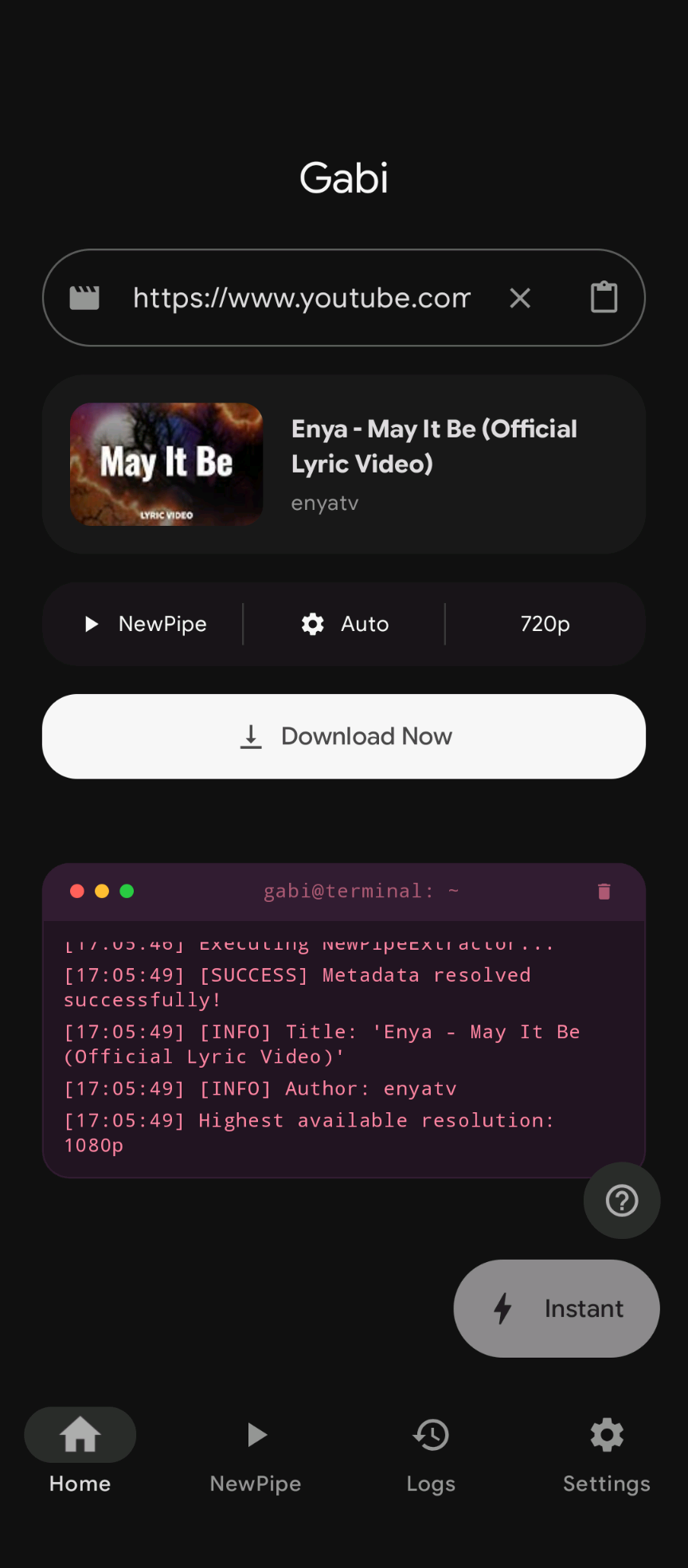
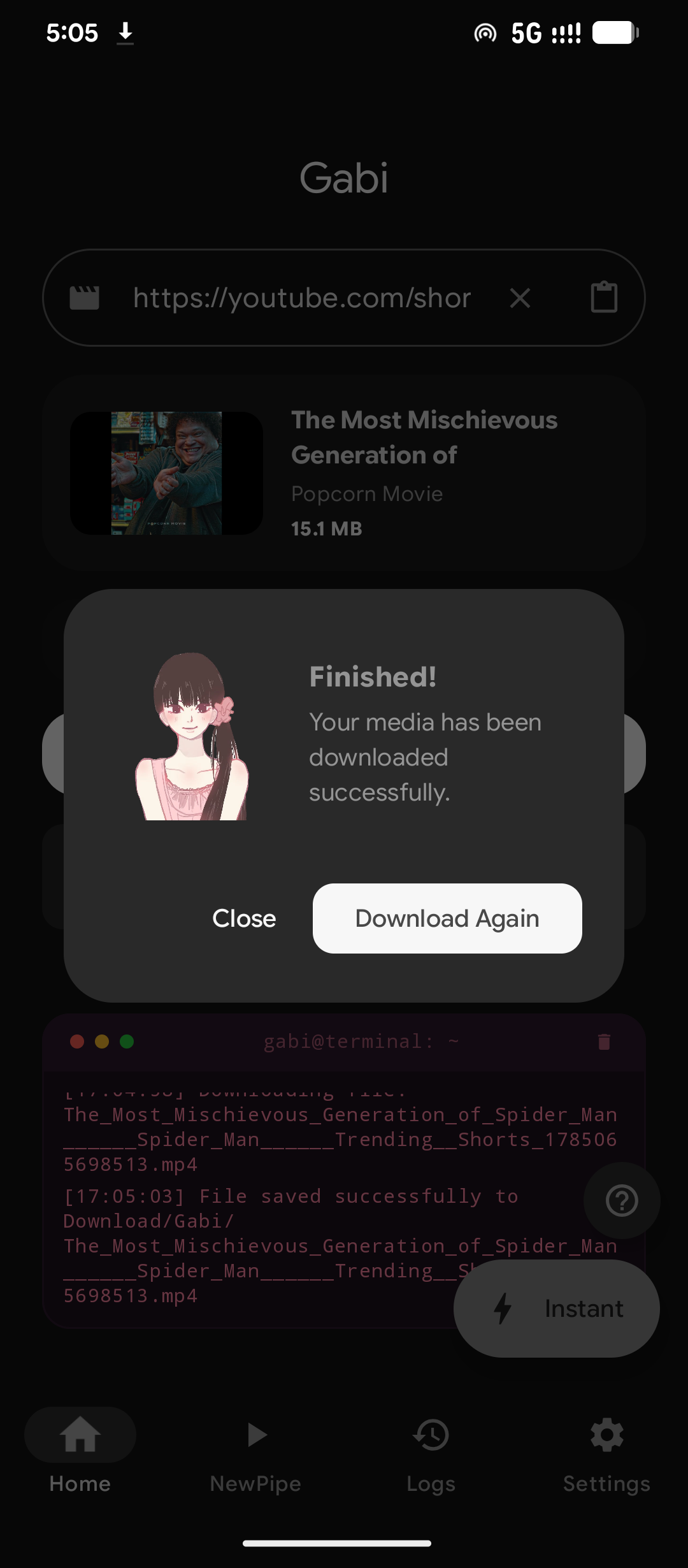
- Paste & Fetch: Paste a link in the home screen and wait for the metadata preview.
- Configure: Choose between "Media" (Video/Audio) or "Gallery" mode, then select your desired quality (up to 1080p/Max).
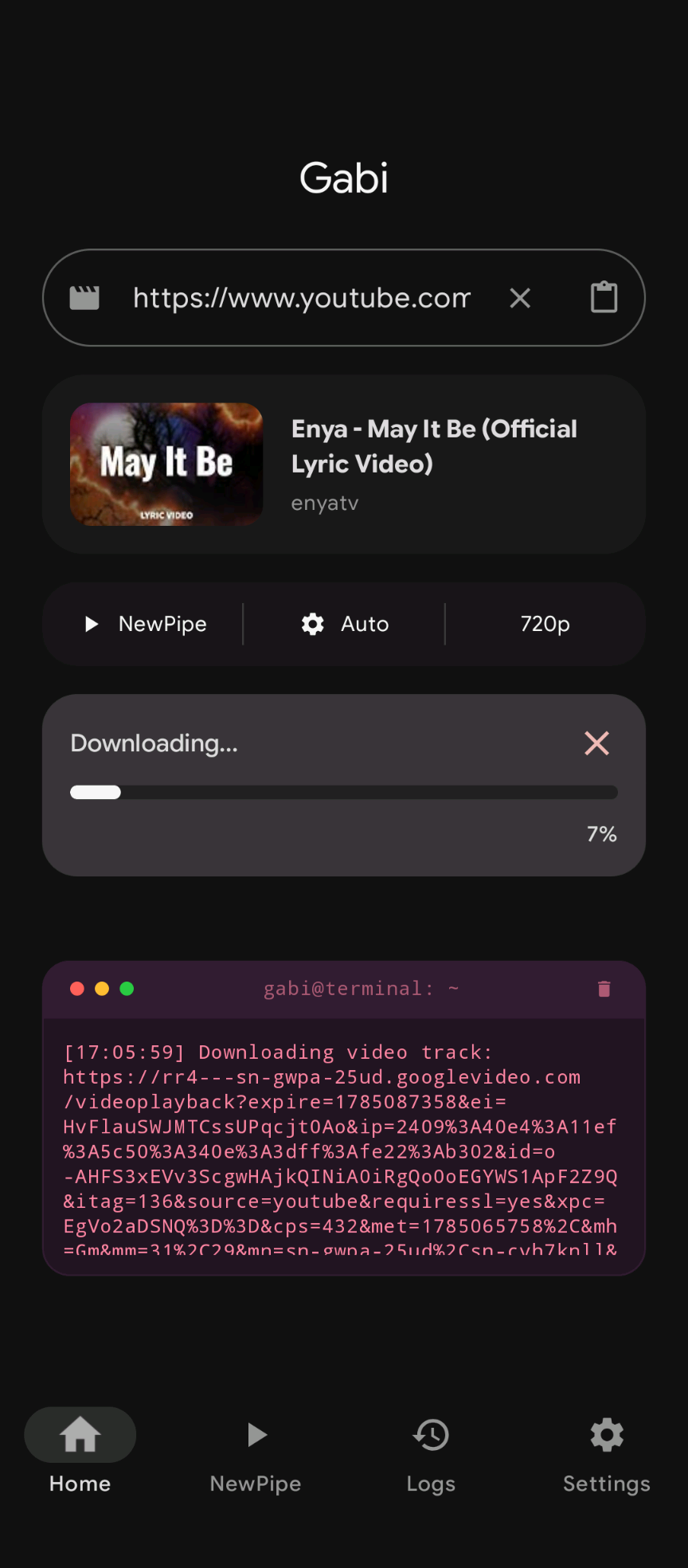
- Download: Hit "Download Now" and track the progress via the notification bar or the in-app progress indicator.
- One-Tap Download: Use the "Instant" button to automatically fetch and download links from your clipboard.
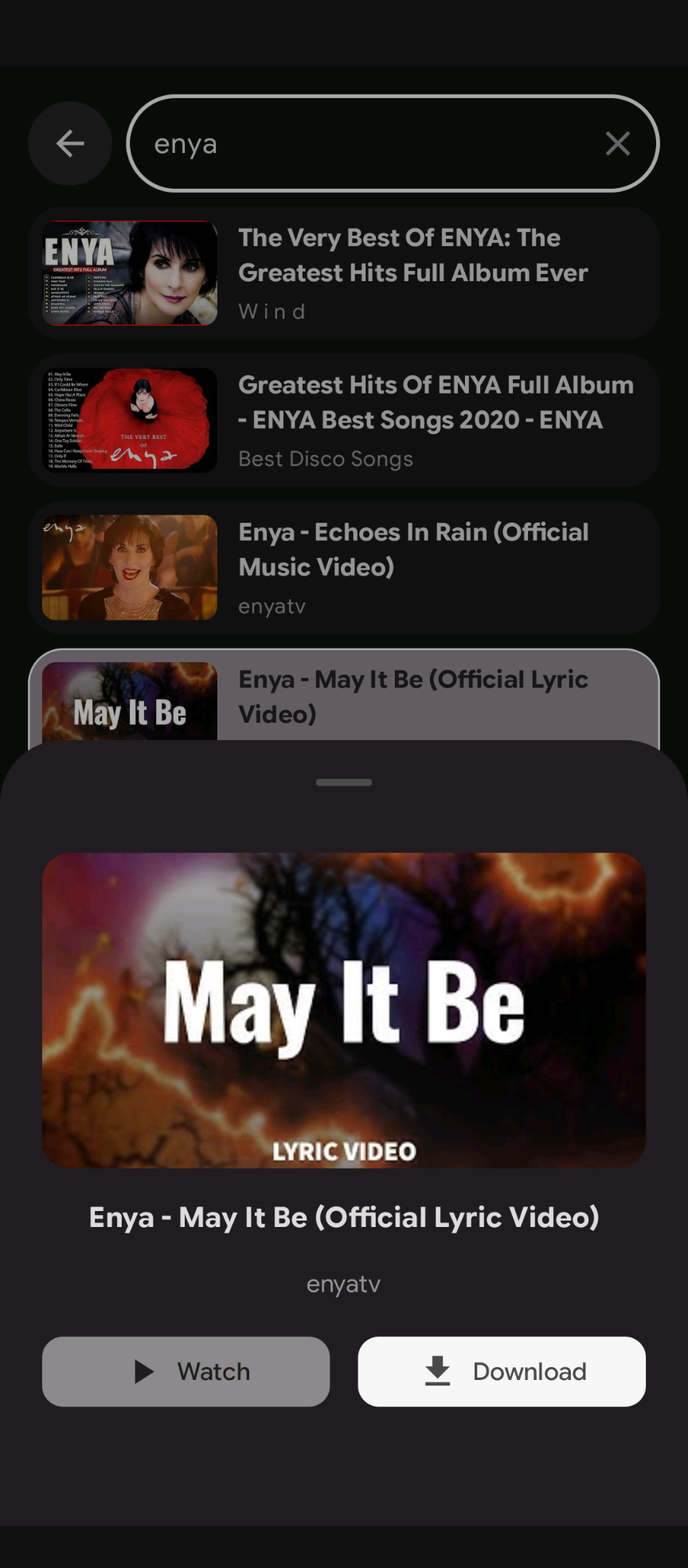
- Share to Gabi: Share links directly from other apps (like YouTube or Twitter) to Gabi for immediate processing.
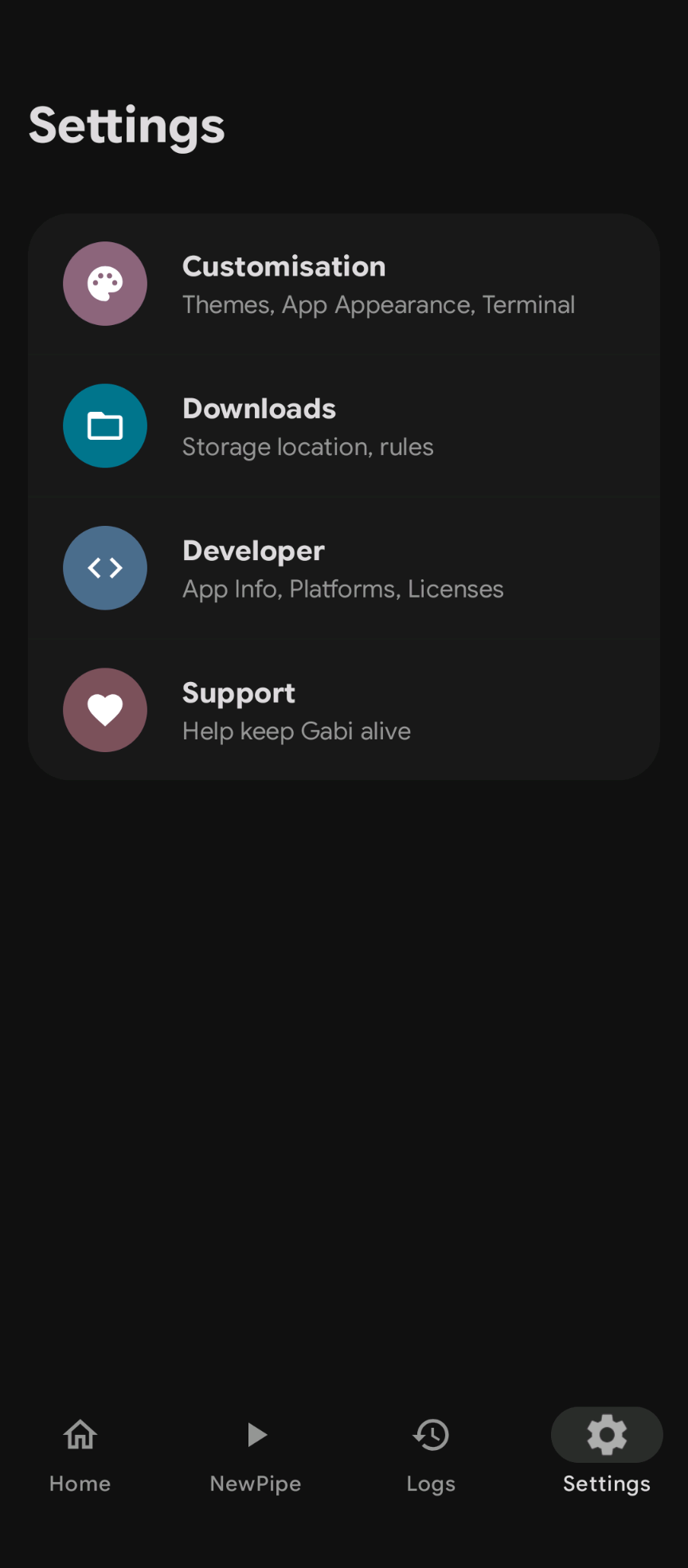
- Themes: Choose from Lavender, Forest, Midnight, Rose, Monochrome, or Dynamic (Material You) themes.
- Dark/Light Mode: Full support for system-wide dark and light modes, including a themed splash screen.
- File Management: Select your preferred download folder using the Android Storage Access Framework.
Key Features
Gabi supports downloading videos, audio, and image galleries from over 1000+ supported sites with ease.
- Wide Support: Powered by
yt-dlp, gallery-dl, and cobalt.
- Smart Preview: See metadata like title, author, thumbnail, and estimated file size before you hit download.
- Share to Gabi: Share links directly from other apps for immediate processing.
- Themes: Dynamic theming with full Material You support.
Supported Sites
Powered by the best open-source extractors, Gabi seamlessly handles thousands of websites.
- Video & Audio: YouTube, TikTok, Instagram, Twitter/X, Reddit, Twitch, Facebook, SoundCloud, and more.
- Images & Galleries: Pixiv, Pinterest, Instagram Galleries, Reddit Galleries.
- And many more: If it's supported by
yt-dlp or gallery-dl, Gabi can likely download it!
Customization
Make Gabi look and feel exactly how you want it with rich theming options.
- Curated Themes: Choose from Lavender, Forest, Midnight, Rose, and Monochrome.
- Material You: Enable Dynamic Theme to match your system colors perfectly (Android 12+).
- Dark/Light Mode: Full support for system-wide dark and light modes, including a themed splash screen.
- Storage: Select your preferred download folder using the Android Storage Access Framework.
Instant Action
Minimize friction with Gabi's quick download features.
- One-Tap Download: Use the "Instant" button on the home screen to automatically fetch and download links directly from your clipboard.
- Share to Gabi: From any other app (like YouTube or Twitter), just tap the Share button and select Gabi for immediate processing in the background.
Building from Source
To build Gabi yourself:
- Clone the repository:
git clone https://github.com/Hotaro26/gabi.git
- Open the project in Android Studio Jellyfish (or newer).
- Ensure you have the Android SDK 34 installed.
- Build the project. Chaquopy will automatically handle the Python dependencies (
yt-dlp, gallery-dl) during the first build.